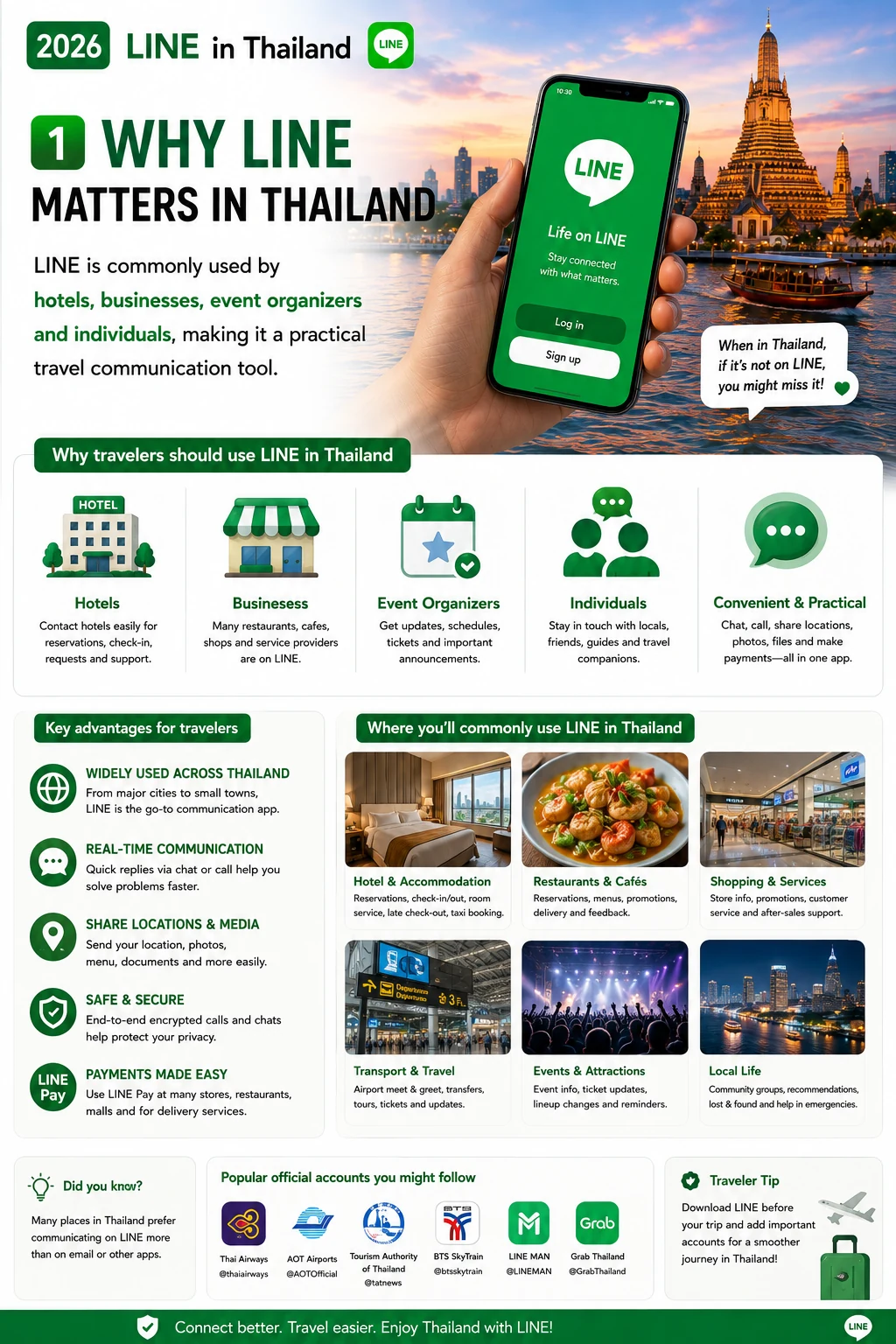
1. Why LINE matters in Thailand
LINE is commonly used by hotels, businesses, event organizers and individuals, making it a practical travel communication tool.
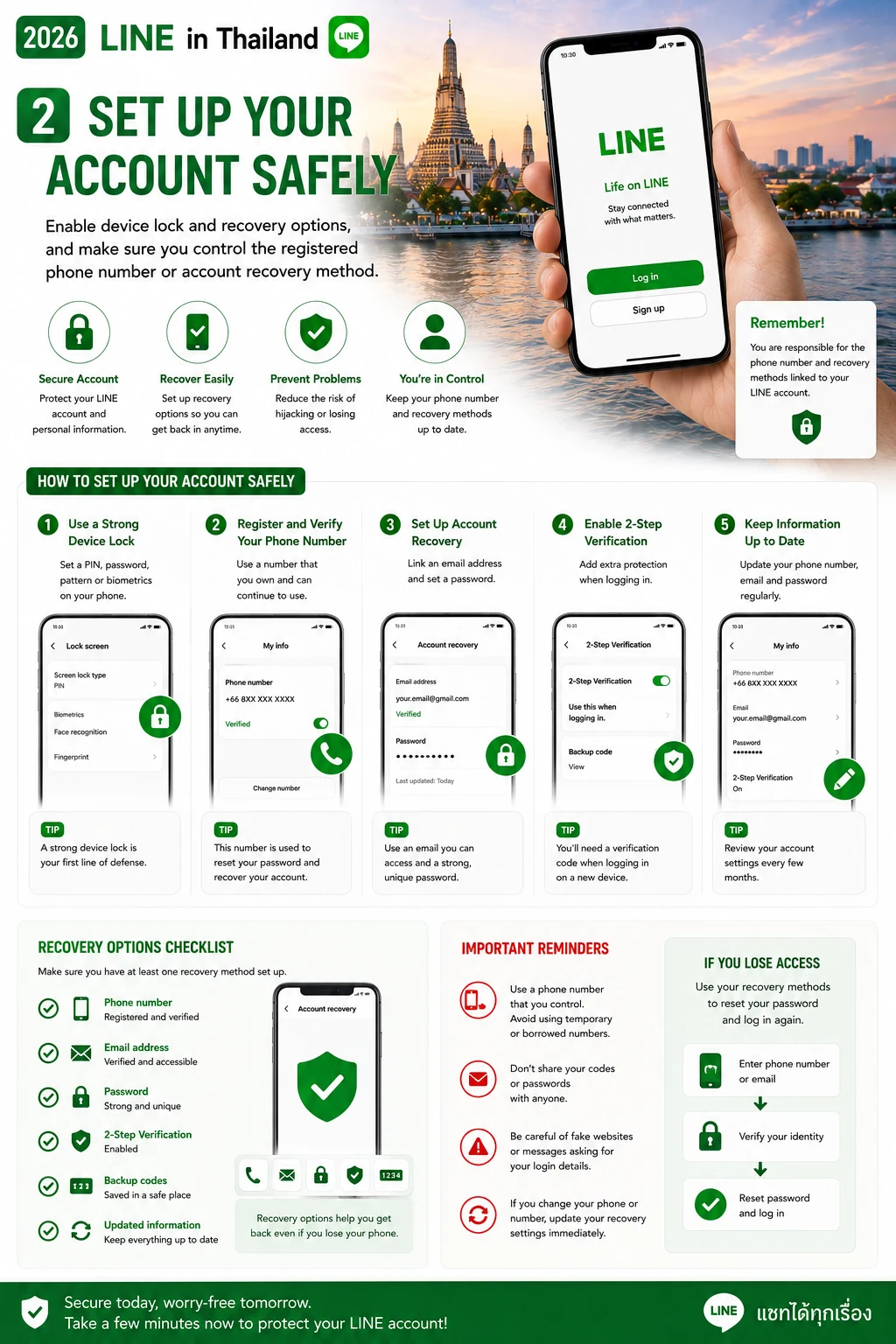
2. Set up your account safely
Enable device lock and recovery options, and make sure you control the registered phone number or account recovery method.
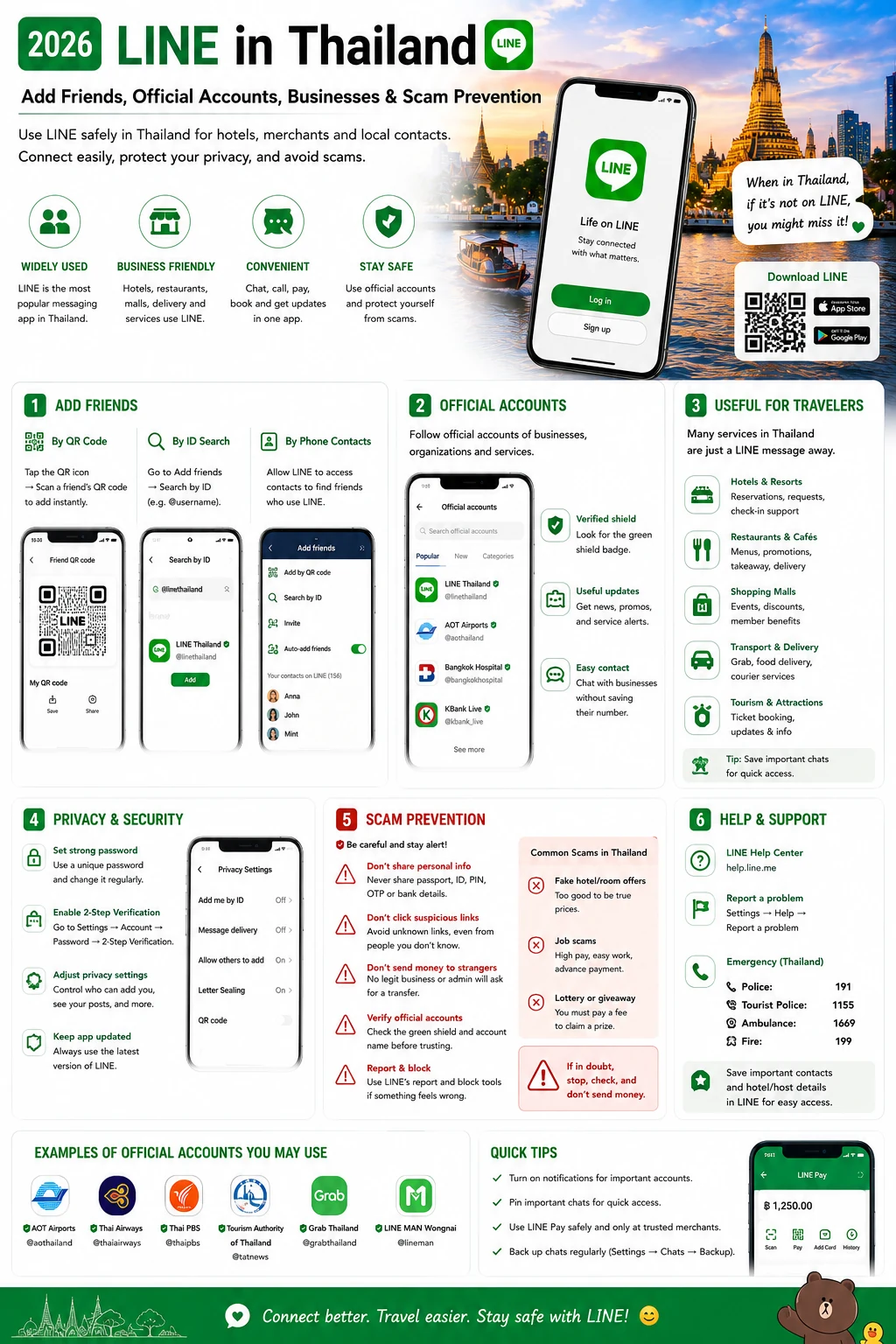
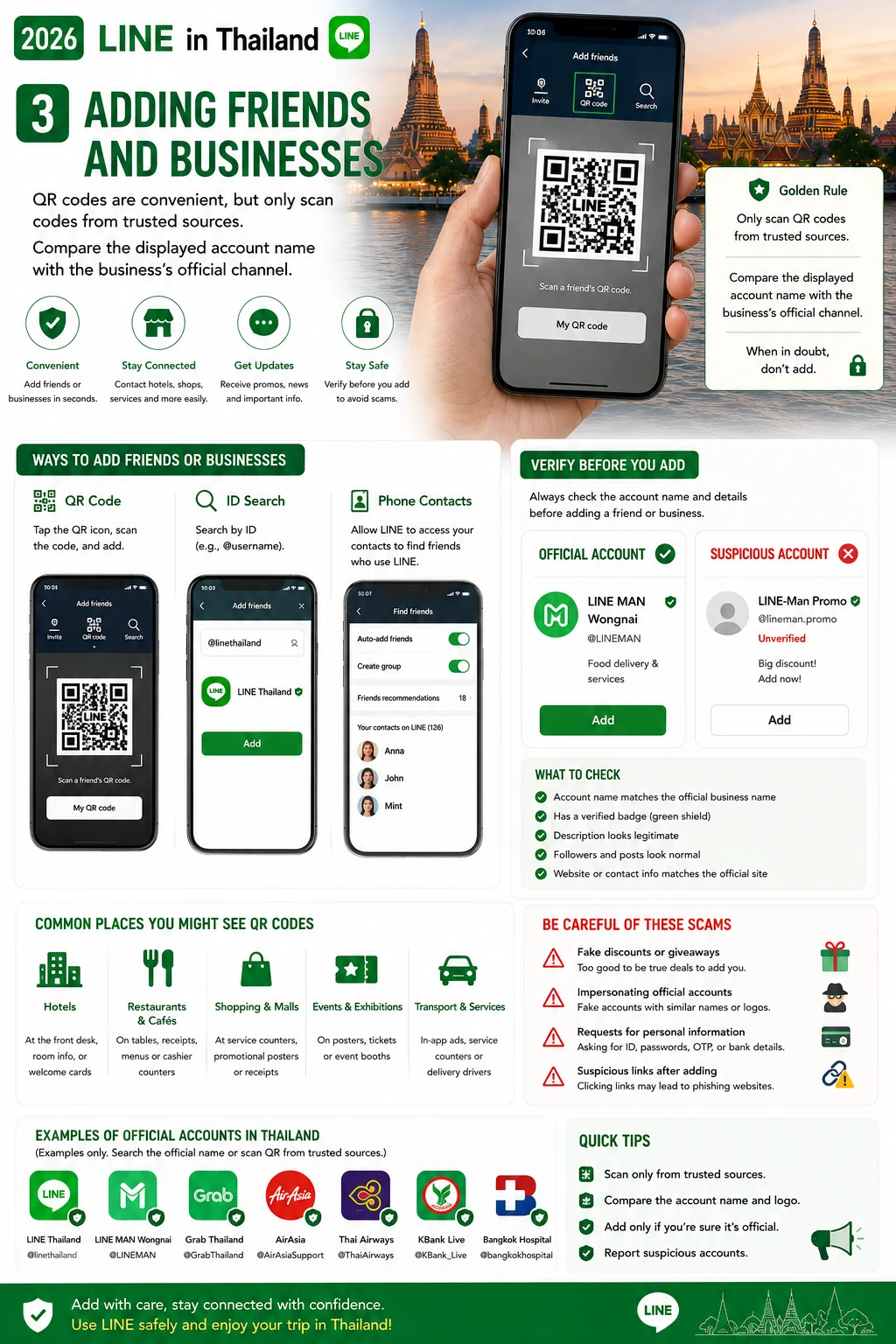
3. Adding friends and businesses
QR codes are convenient, but only scan codes from trusted sources. Compare the displayed account name with the business’s official channel.
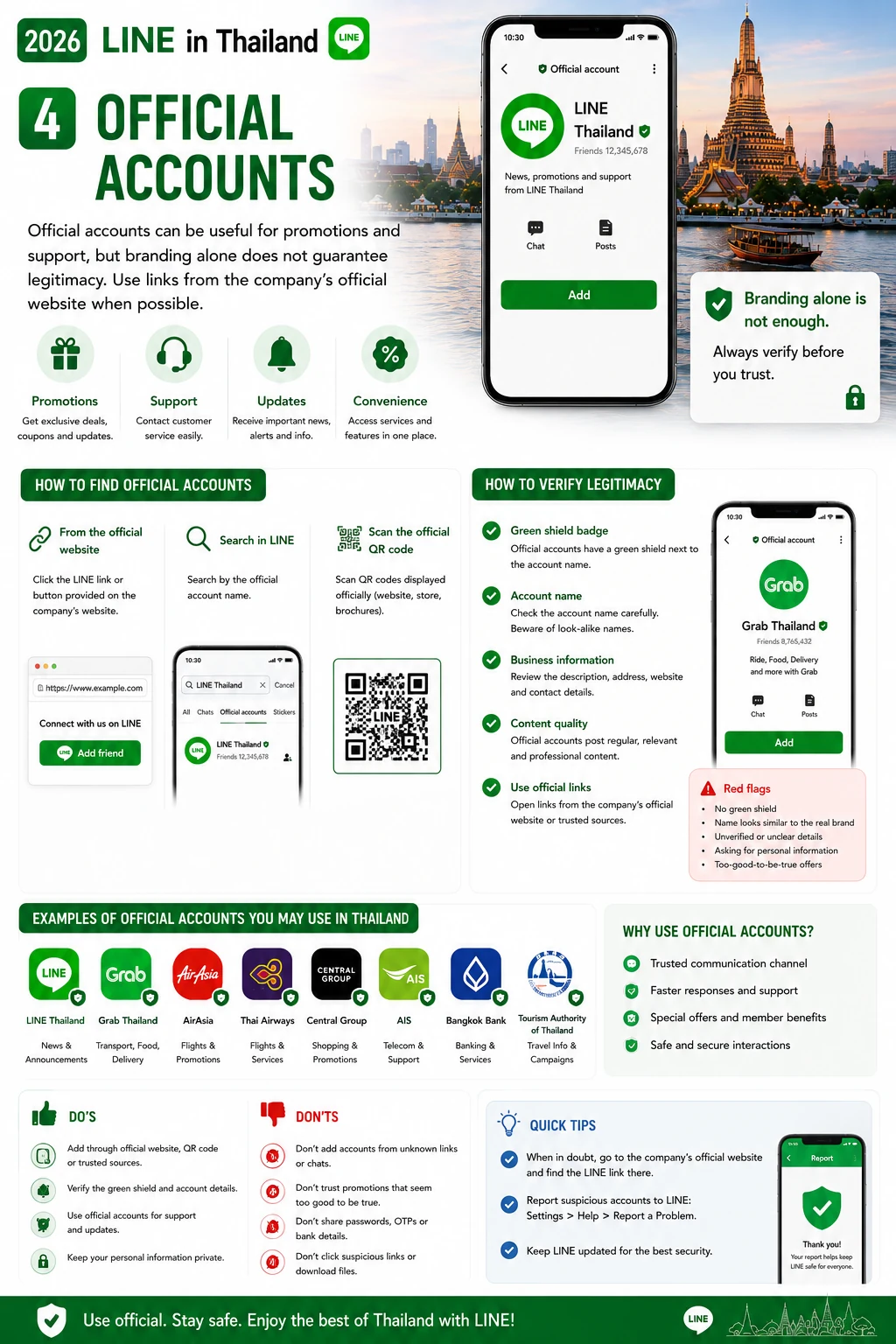
4. Official accounts
Official accounts can be useful for promotions and support, but branding alone does not guarantee legitimacy. Use links from the company’s official website when possible.
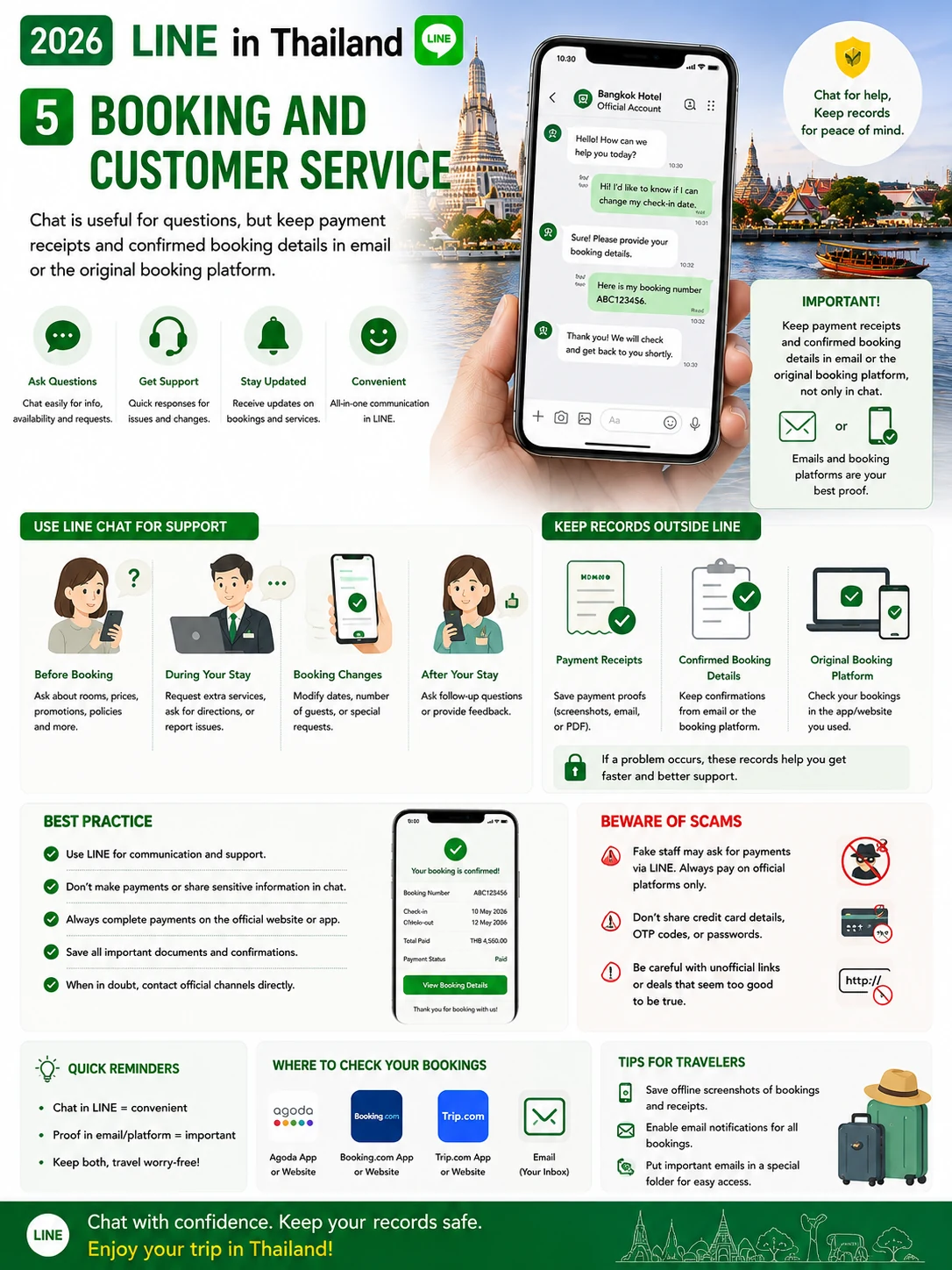
5. Booking and customer service
Chat is useful for questions, but keep payment receipts and confirmed booking details in email or the original booking platform.
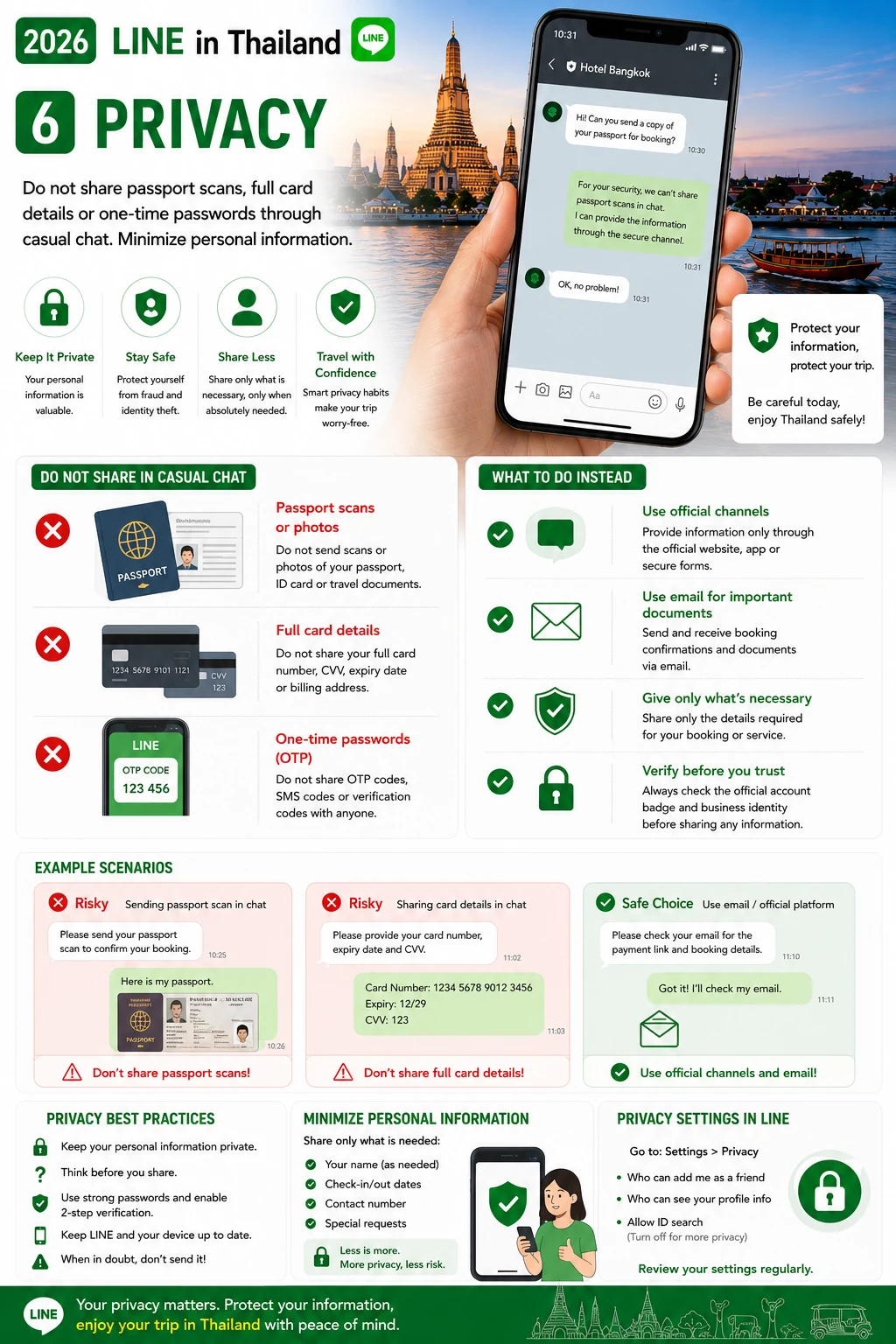
6. Privacy
Do not share passport scans, full card details or one-time passwords through casual chat. Minimize personal information.
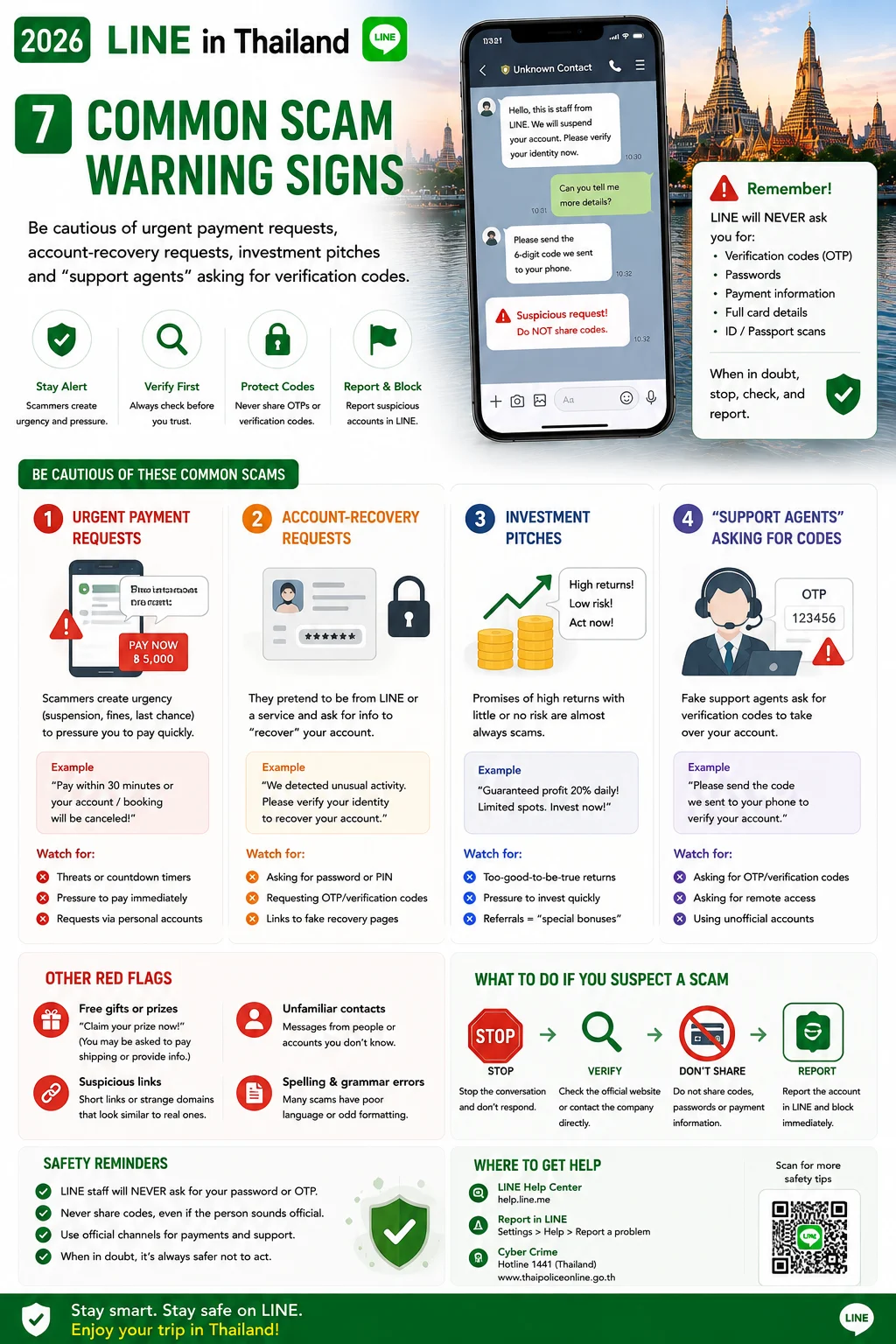
7. Common scam warning signs
Be cautious of urgent payment requests, account-recovery requests, investment pitches and “support agents” asking for verification codes.
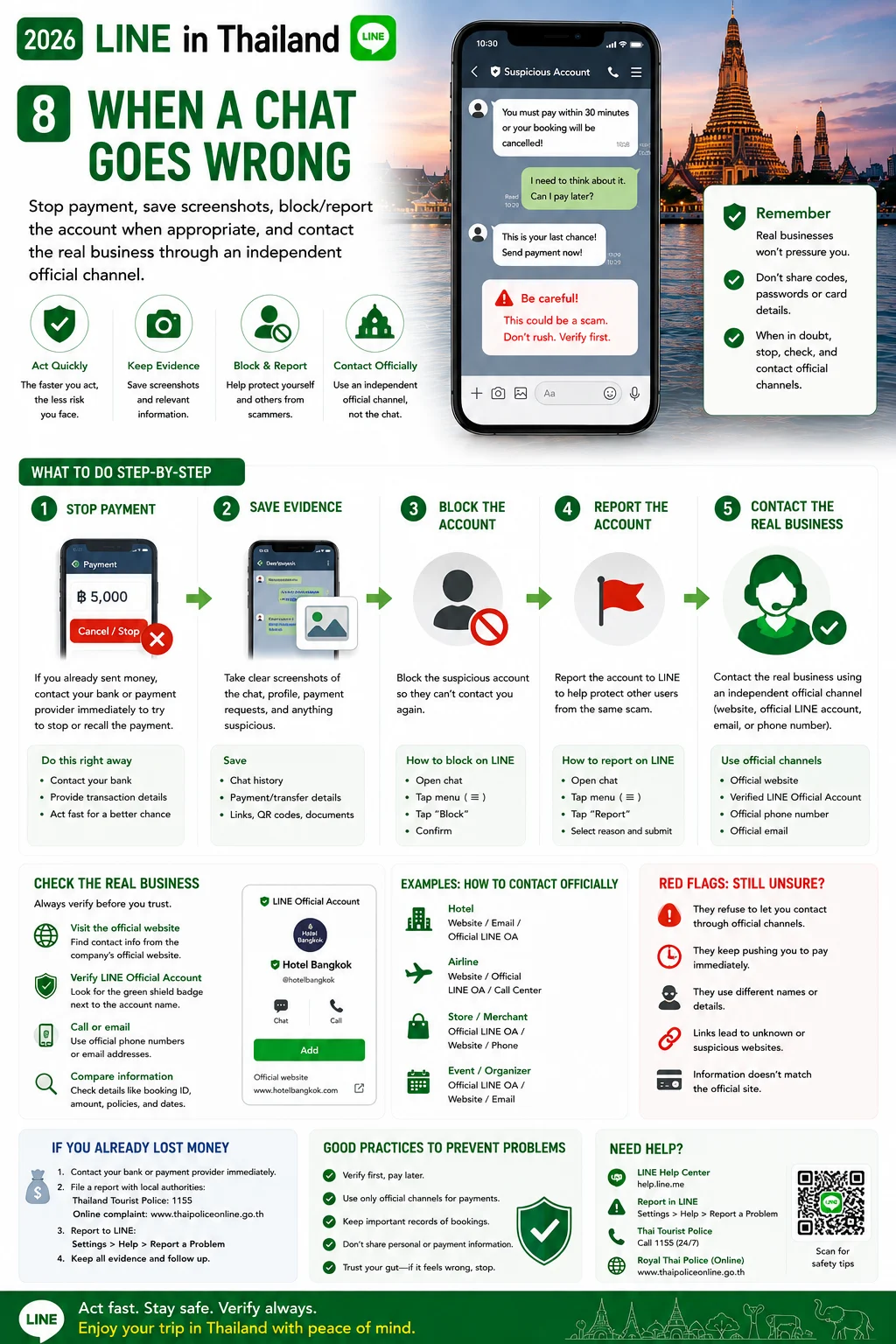
8. When a chat goes wrong
Stop payment, save screenshots, block/report the account when appropriate, and contact the real business through an independent official channel.
Frequently Asked Questions
Can I use one LINE account on multiple devices?
Device support depends on LINE’s current platform rules. Check the official help center for your device combination.
Is every account with a business logo official?
No. Verify the account using the business’s official website or other trusted channel.
Official sources to verify
For changing rules, fares and public-service information, check the latest official source.
LINE Help Center →Final pre-trip check
Save important addresses, bookings, transport plans, passport details and emergency contacts offline. Recheck time-sensitive information on the day you travel.